

WSI factory provides uniform access to whole-slide images, automatically selecting the best available backend.
Supported backends (auto-selected, in order of preference):
- cuCIM — GPU-accelerated reading, used when available.
- OpenSlide — CPU fallback, broad format support.
.svs, .tiff, .tif, .ndpi, .vms, .vsi, .scn, .mrxs, and .jp2 (subject to the active backend).
Open a slide
Properties
Slides carry rich scanning metadata. Access it throughprops, and inspect the pyramid with level_dimensions and level_downsample.
Bounded vs. unbounded
Scanners capture the whole slide, but tissue occupies only part of it.bounded=True returns the tissue area; bounded=False returns the full slide.
Read a region
Specify resolution three ways — by pyramidLevel, by physical MPP, or by Magnification — and choose pixel or micrometer units.
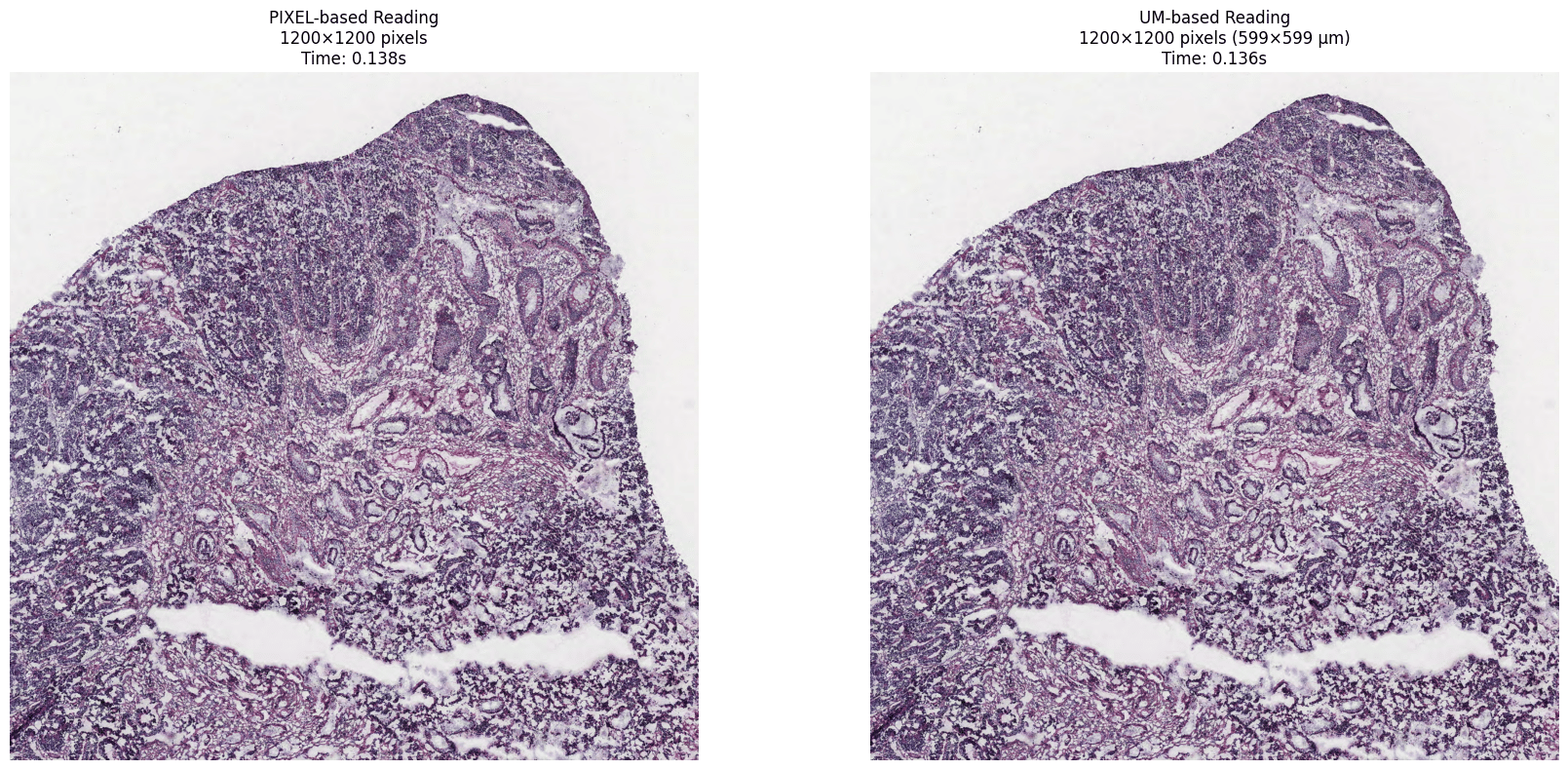
The same window read by pixel size vs. physical (µm) size at pyramid level 2 on a TCGA-COAD slide — both yield a matching 1200×1200 px crop. Representative example.
MPP ≈ 10 / magnification (40× ≈ 0.25 MPP, 20× ≈ 0.5 MPP, 10× ≈ 1.0 MPP). Bioptimus embeddings use 0.5 MPP; tissue segmentation uses 8 MPP.
Thumbnails & associated images
size is an upper bound: the aspect ratio is preserved, so the longer side is fit to the requested dimension and the shorter side scaled down proportionally. This slide is slightly taller than wide, so requesting (512, 512) yields 486×512 px rather than an exact 512×512.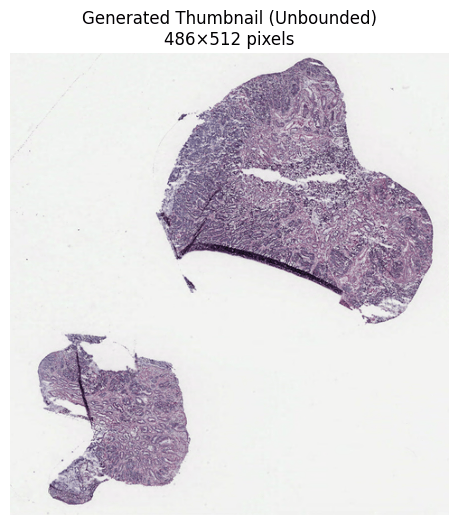
Generated thumbnail (unbounded, 486×512 px) of a TCGA-COAD diagnostic slide (56,640 × 59,636 px at 0.25 µm/pixel, 40× Aperio). Representative example.
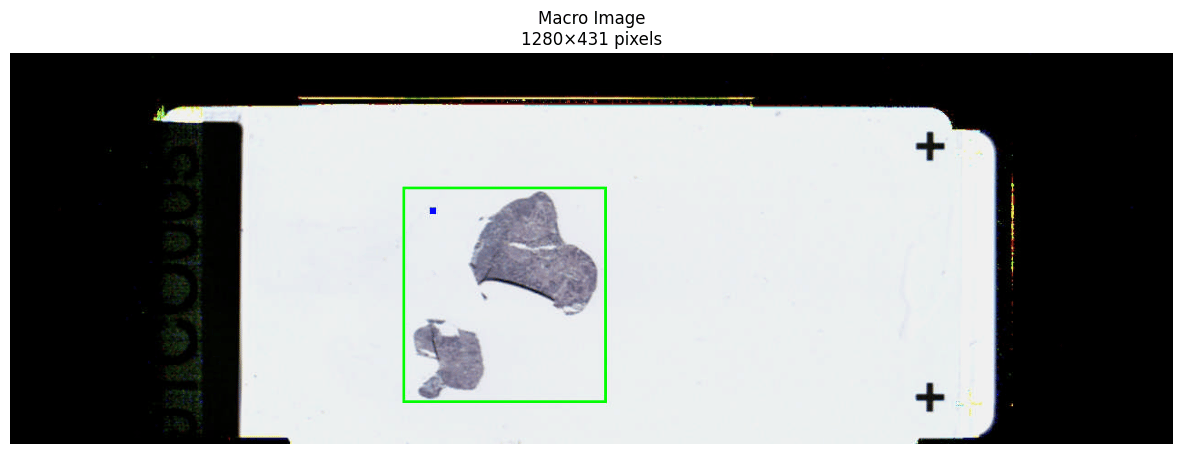
Macro associated image — a low-magnification photograph of the whole slide, including the label. Representative example (TCGA-COAD).